
Original release notes and code are shown in their source language.

Versions & downloads

Current release + 2 previous versions
Select a file
Select a file to view its contents.

GETTING STARTED

From library to your construct.

  1. Choose your system

    Open a project and read its README and slot manifest. Confirm its required elements, link order, and game build.

  2. Back up your current configuration

    Save the board clipboard export and any existing screen Lua before changing a construct.

  3. Install the matching files

    For a board JSON, use Advanced → Paste Lua configuration from clipboard. For standalone screen Lua, use the screen’s Advanced → Edit content. Loose event Lua belongs in its named handler; follow the project guide.

  4. Verify in myDU

    Check startup, links, timers and screen refresh on a test construct. Library availability does not indicate in-game certification.

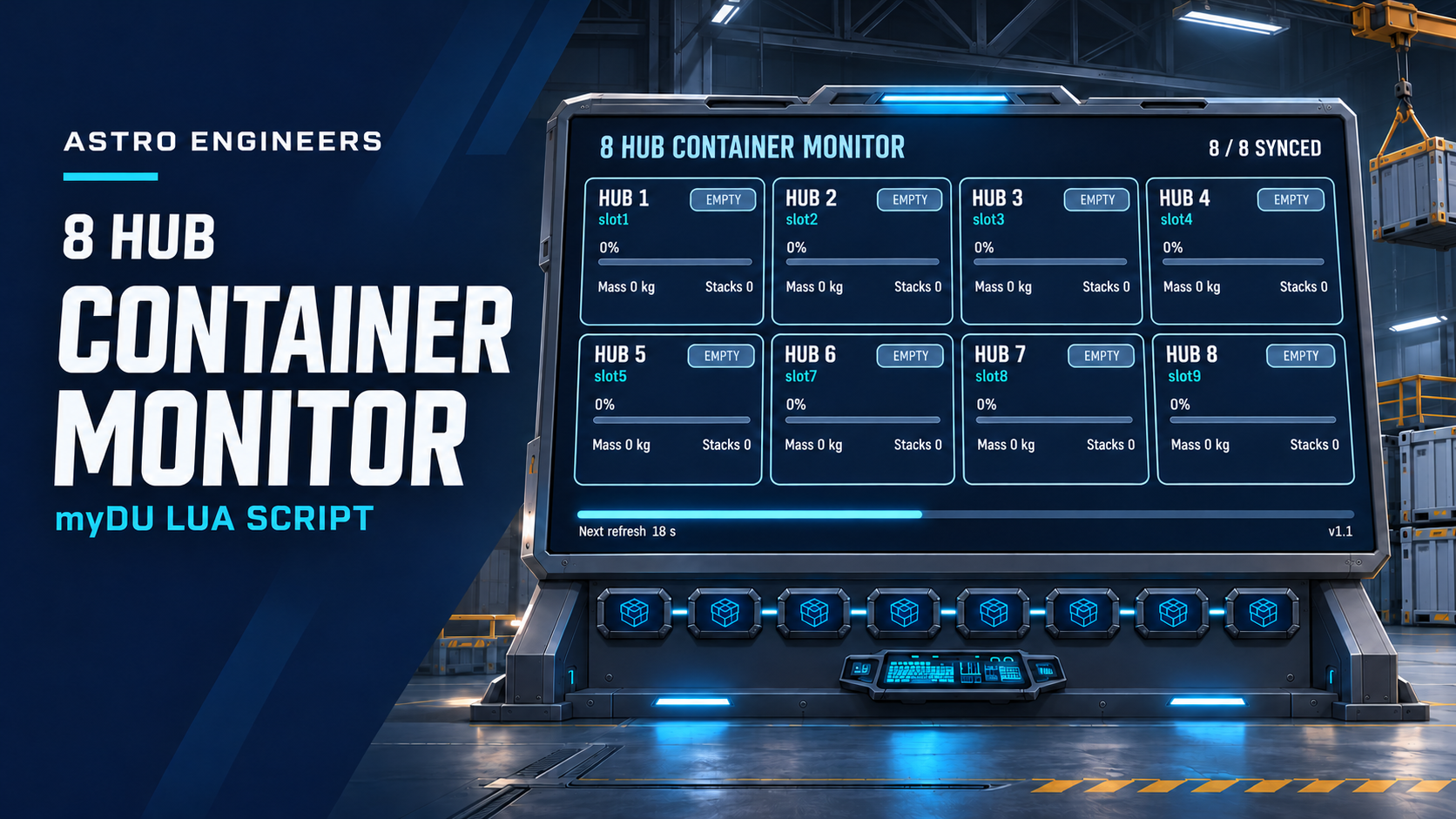
SCREEN PREVIEW GALLERY

Browse the rendered label screens. Preview fonts approximate the in-game face; in-game verification is pending.